The POS your busiest Friday can't break
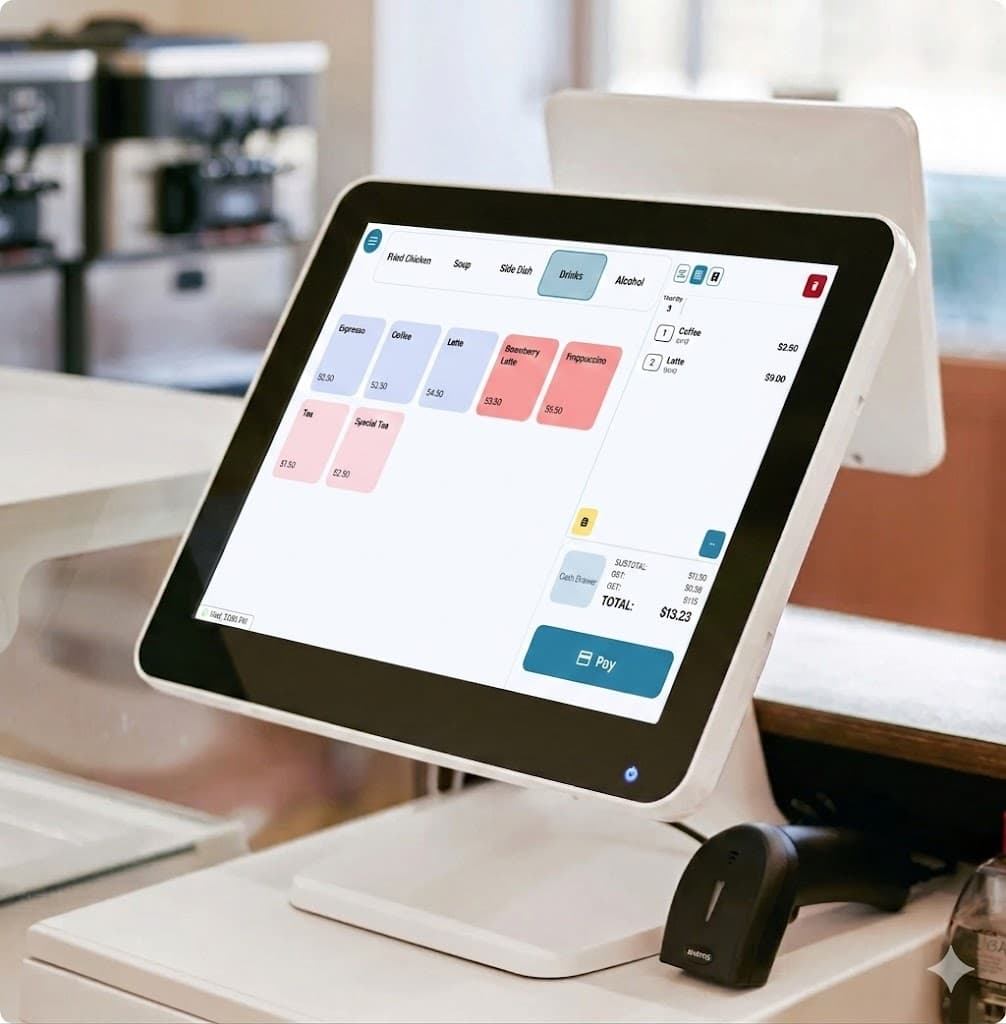
Orders, tables, payments, and staff — all on your POS station. If the internet drops, you can still take orders and record payments.
Your dining room, on screen
Set up your floor plan once, then use it every service.
- Set up several rooms and layouts, plus tables for counter and phone orders
- Give each server their own tables, and choose who can take over someone else's
- Rearrange tables to match the room, or move guests and their bill to another table — in seconds
Split anything. Pay any way.
Even the table of twelve that wants separate bills.
- Split evenly or your own way — move items from one bill to another
- Combine tables and bills, even from a different tablet
- Pay one bill with cash, card and gift card together
Everyone gets the keys they need — and only those
Decide exactly what each person can do, so refunds and discounts stay in the right hands.
- Staff sign in with a PIN, and you set what each role can do
- Built-in time clock: staff punch in and out, and their hours add up automatically
- Cancelled items, refunds and discounts are saved with a reason you can check later
- Take orders
- Give discounts
- Refunds
- Cancel items
- Open cash drawer
Maya
Clocked in at 9:02
5h 12m today
Enter your PIN
$12.50
Reason: Wrong order
Approved by Alex
And the rest of the toolbox
Tools you'd usually pay a lot more for.
Barcode scanning
Scan product barcodes, including price-by-weight labels.
Inventory
Keep count of your stock — it goes down with every sale.
Reports
Sales by day, by payment type and by order type — plus tips.
Customer display
A second screen shows customers their order as you ring it in.
One system for your whole restaurant
Your menu, staff and orders are the same on every Foodteria product — change something once and it's updated everywhere.
POS questions
You can use an all-in-one POS station, or use an Android tablet setup. For card payments, it works with Stripe Terminal, Clover and Global Payments card readers. Receipts and kitchen tickets print on regular receipt printers (plugged in by USB or on your network), and the cash drawer opens through the printer. Contact us for more details on equipment and accessories.
Yes — categories, items, options and photos can all be changed right on the tablet, and your kiosks, online ordering and Back Office update right away.
Yes. Revenu Québec's required sales-recording system is built in: each sale is signed and sent to Revenu Québec, receipts show the official QR code, and the app walks you through signing up.
Your first month is $1.
See everything Foodteria can run in your restaurant — no contract, cancel anytime.