Your menu, on every table
A tablet on each table lets guests browse your full menu and order in rounds, whenever they're ready. Every round goes straight to your POS.

Another round? Just tap.
Guests start the meal, then order as often as they like — every round is added to the same table.
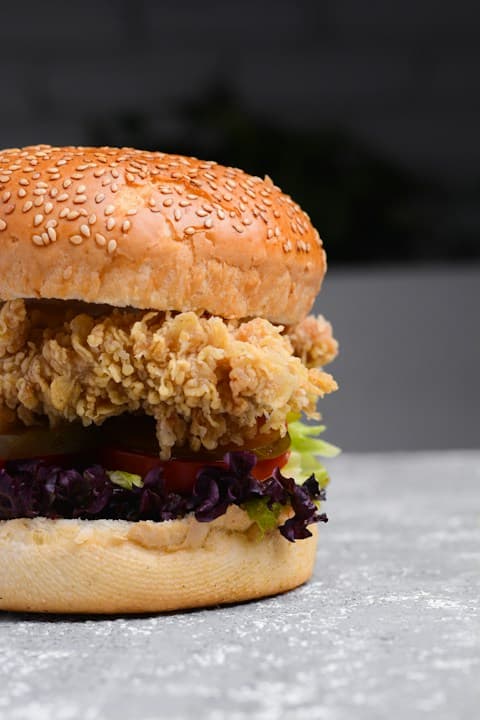
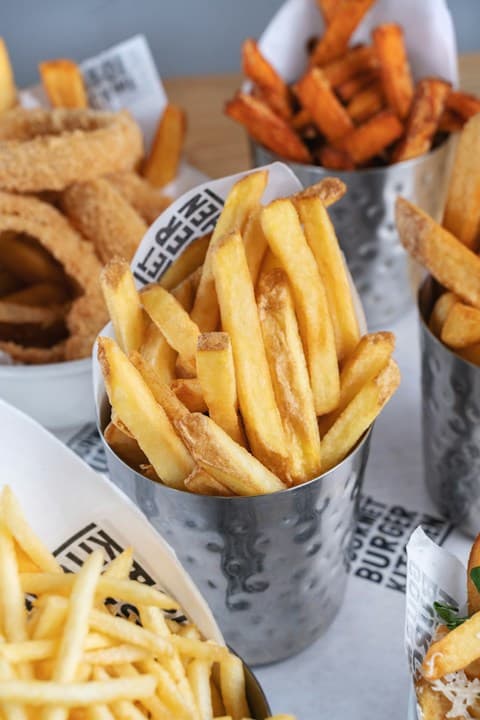
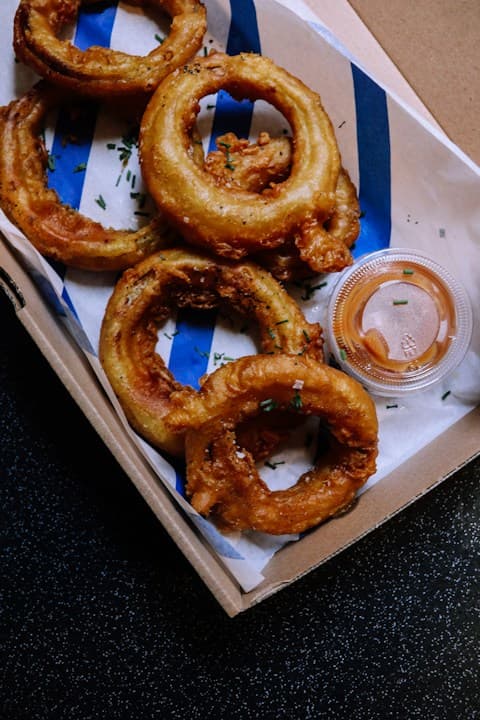
- Your full menu, with photos, options and choices
- Each round goes to your POS for your staff to accept
- Guests see each round's status and the total so far
Set up in minutes
Setting up a tablet takes a few taps, and it's ready to take orders.
- No app to install
- Your menu is already there — nothing to re-enter
- Change the look of every tablet at once
One system for your whole restaurant
Your menu, staff and orders are the same on every Foodteria product — change something once and it's updated everywhere.
Table Ordering questions
They pay your staff at the end of the meal, the same way they do today — the tablet is for ordering.
Yes — hide any item, option or choice from the table tablets. Sold-out items can't be ordered, and your promotions and bundle deals apply.
Guests can switch your menu between English, French and Korean right on the tablet.
A tablet for each table and a Foodteria POS, which receives every round. Contact us for tablet recommendations.
Your first month is $1.
See everything Foodteria can run in your restaurant — no contract, cancel anytime.